Afterworld Tools Hub
Practical pages for a game that is announced but not yet playable.
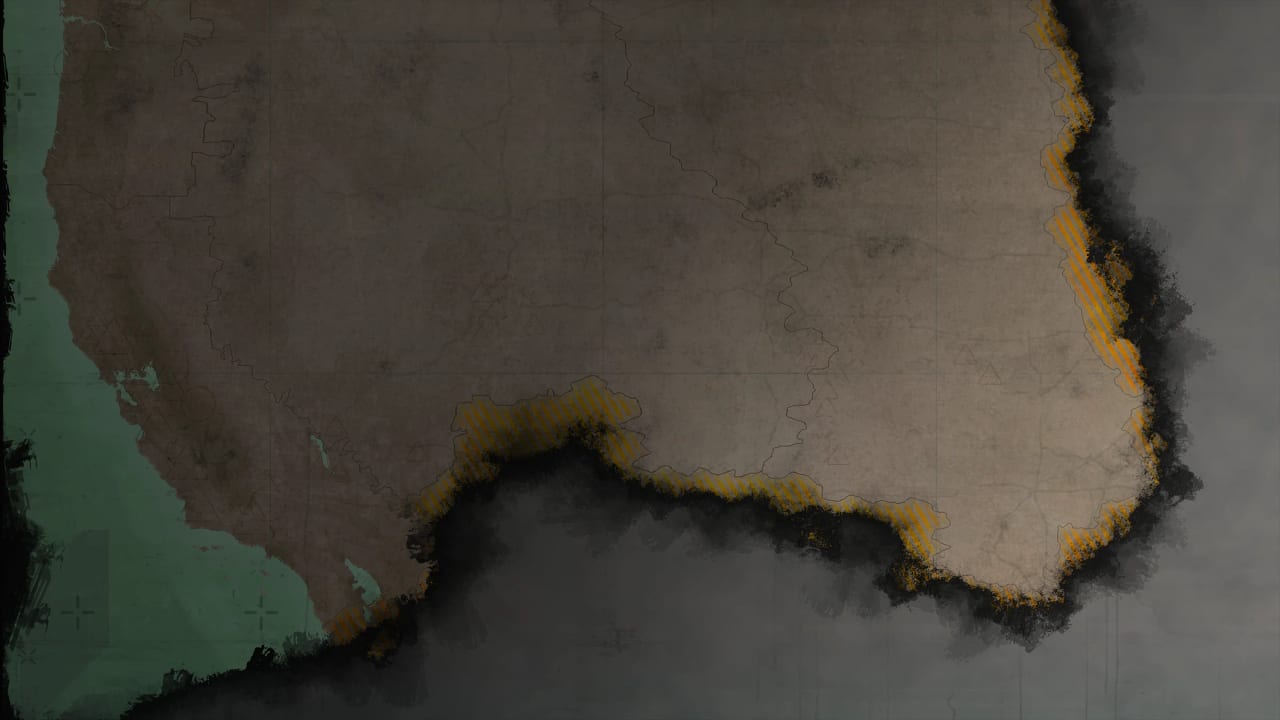
Afterworld does not have a crafting calculator or a damage simulator, because Afterworld does not have a public build. This tools hub is still useful. It holds the pages you actually need in the announcement window: hardware tracking and a wishlist checklist that does not forget diaries, Discord, and the fact that the Steam requirements block currently says TBC.
Child pages:
- System requirements — Steam’s Windows, macOS, and Linux rows, all TBC, plus what “TBC” should mean for your wallet.
- Wishlist checklist — Steam, diaries, official video, forum, Discord, Reddit, and what not to subscribe to.
- Game comparison — Afterworld versus Crusader Kings, Stellaris, Frostpunk, and Civ.
If you came here looking for Roblox-style codes or script dumps, you have the wrong Afterworld. Go to getting started and confirm you mean the Paradox grand strategy game.
What a pre-release toolkit should not do
It should not invent GPU numbers. It should not host executables. It should not pretend a spreadsheet can rank origins with fake stat columns — that job, labeled as opinion, sits in the tier list hub. Tools here are checklists and trackers.
When Paradox fills the spec sheet, the requirements page becomes a real comparison against Crusader Kings III and Hearts of Iron IV, because those are the boxes PDS fans already own. When a playable version exists, this hub will add a launcher-notes page and, if the GUI needs it, a settings checklist. Not before.
How these tools connect to guides
The wishlist page exists so you actually see Dev Diary 1 and whatever comes next. The requirements page exists so multiplayer friends do not buy a card “for Afterworld” based on a YouTube thumbnail. Both pages point back to how to play because the loop is still the thing you should be learning.
Official downloads (comic newsletter, press kit) stay on official links. Community servers stay on community links. This hub does not clone them; it only tells you which ones matter for prep.
Suggested use
- Open system requirements once, note that everything is TBC, and stop shopping.
- Run the wishlist checklist the same evening you watch the trailer.
- Read the game comparison if a friend asks whether this is Fallout, Stellaris, or Frostpunk.
- Return to updates weekly.
- When a spec number appears, it will be on the requirements page the same day we can cite Steam.
That is the entire tools offering on purpose. A wiki that pads this hub with fake map editors is lying. Afterworld’s first real “tool” will probably be a Paradox launcher checkbox, and we will document that checkbox when it exists.
For the game’s fantasy, not its folder path, use the preview and origins.
Frequently Asked Questions
Quick answers about Afterworld before launch.
Are Afterworld system requirements out?
Not in numbers. Steam lists TBC. Details on system requirements.
Is there a build planner?
No. Use the playstyle tier list for fantasy roles and how to play for systems.
Where do I wishlist?
Steam. The wishlist checklist adds the official channels around that button.
Will you add a map tool?
Only if Paradox ships a public map or editor. Until then the settlements guide is the logistics page.